
Download Batery App for Android & iOS
Batery has developed the mobile app for Indian players, available for Android devices. It contains the full functionality of the brand related to sports betting (LINE and LIVE) and online casino games. Its use is completely legal, as Batery operate under the international license of Curacao No. 153269. iOS device users can access the mobile site via PWA. New users who download the Batery app can receive a generous 500% welcome bonus up to INR 150,000 + 430 FS.
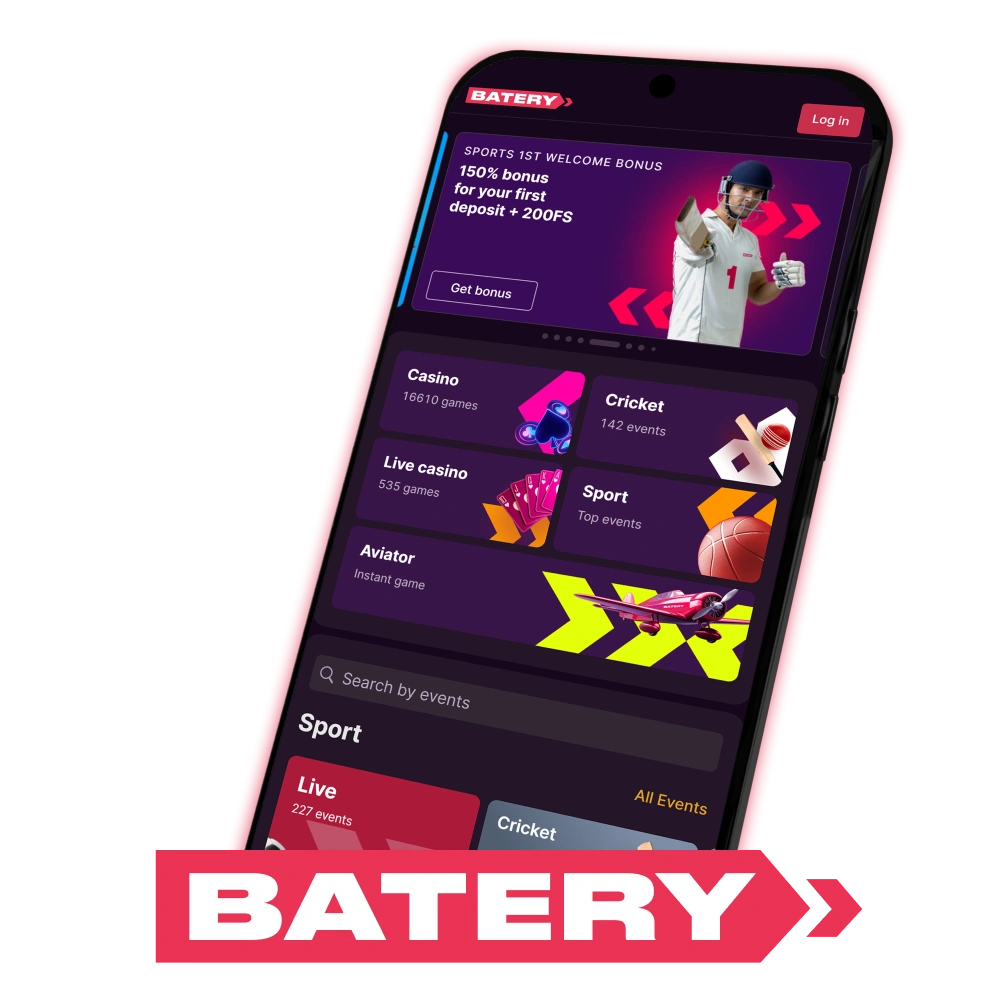
How to Download Batery APK for Android
The Batery app is available for download from Google Play Store. Follow these steps to install it on your device:
Open Play Store
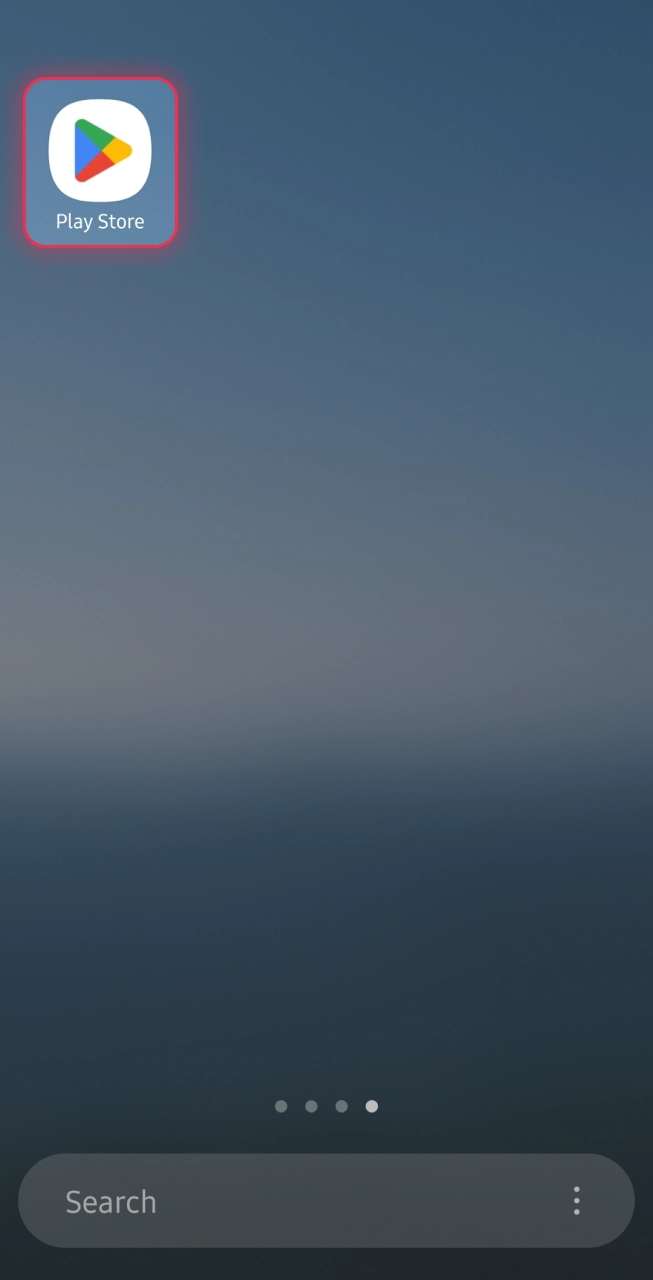
Open Google Play Store on your Android device.
Search Batery Bet
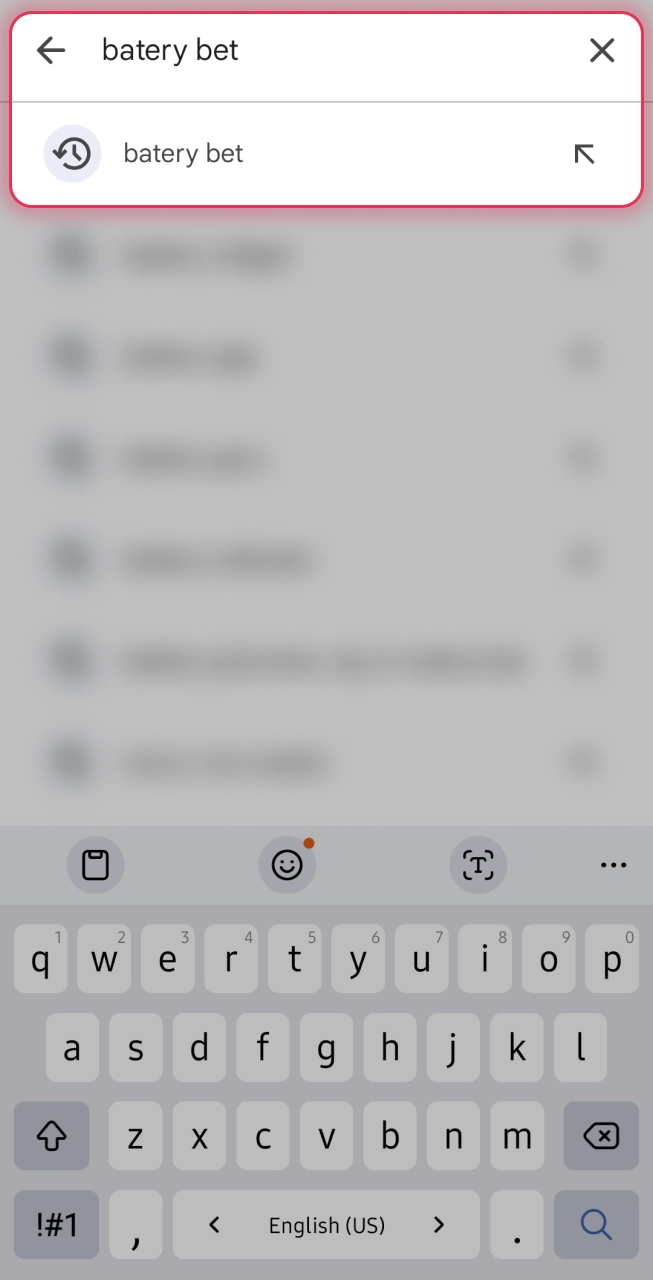
Search mobile app in the search bar.
Identify Official App
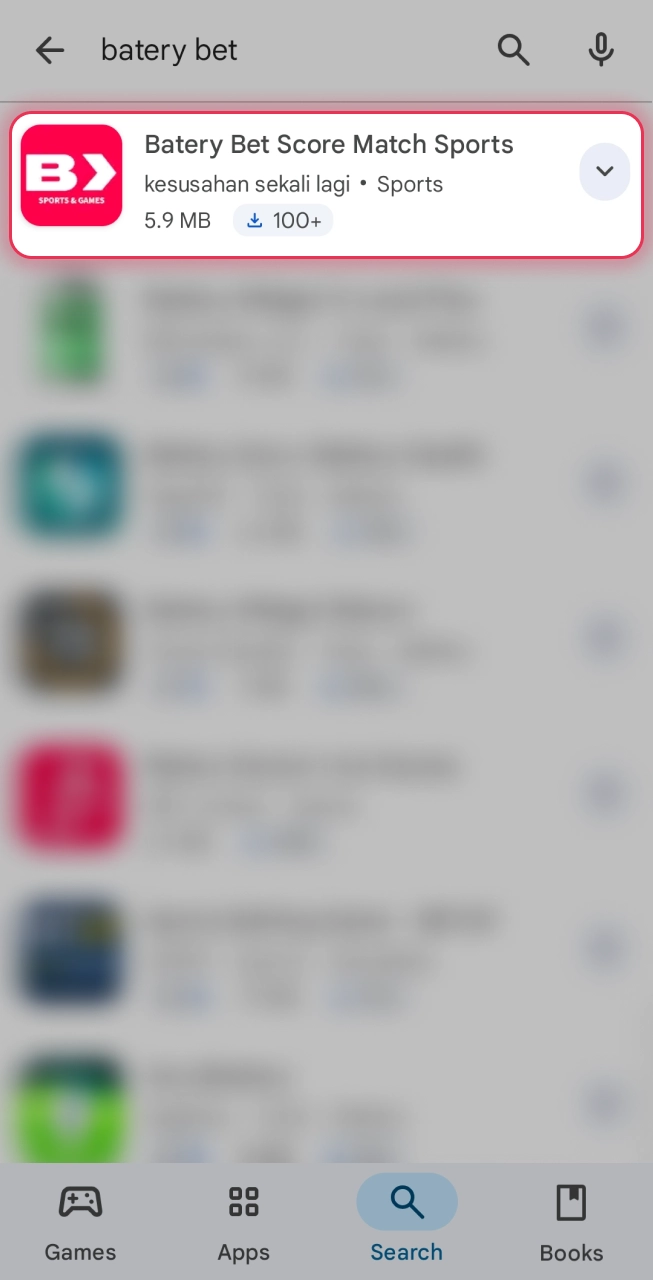
Select the official Batery Bet app from the search results.
Tap Install
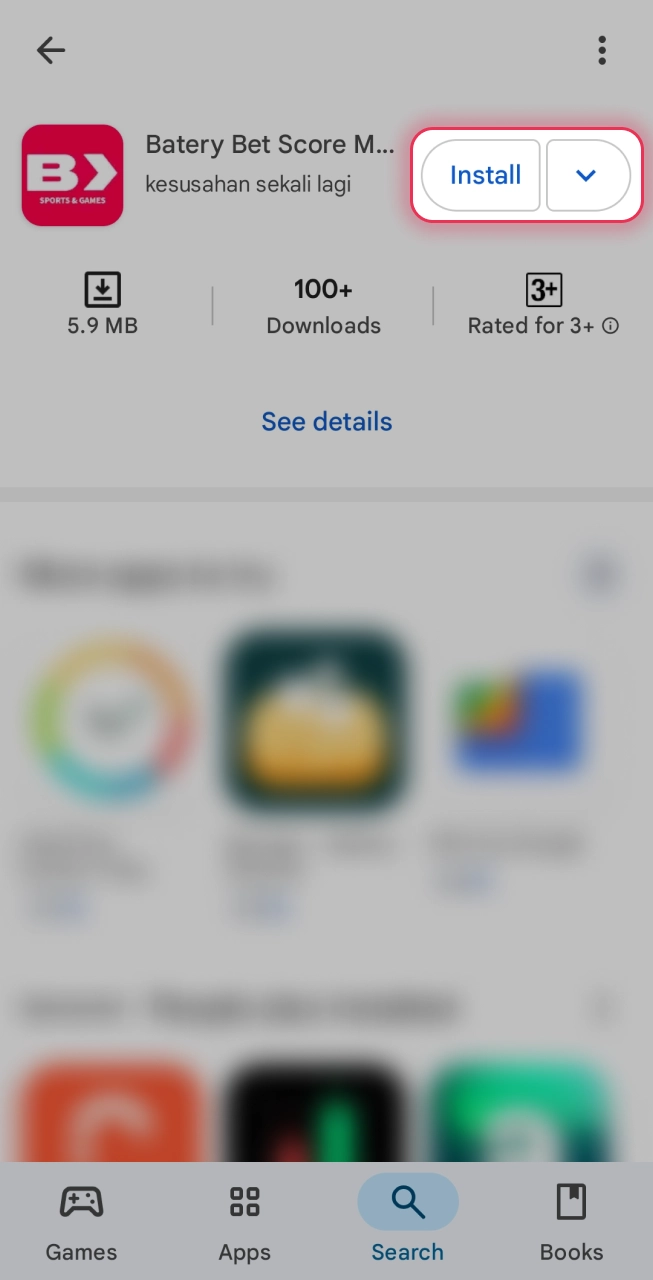
Tap the Install button and wait for the download to complete.
Register Account
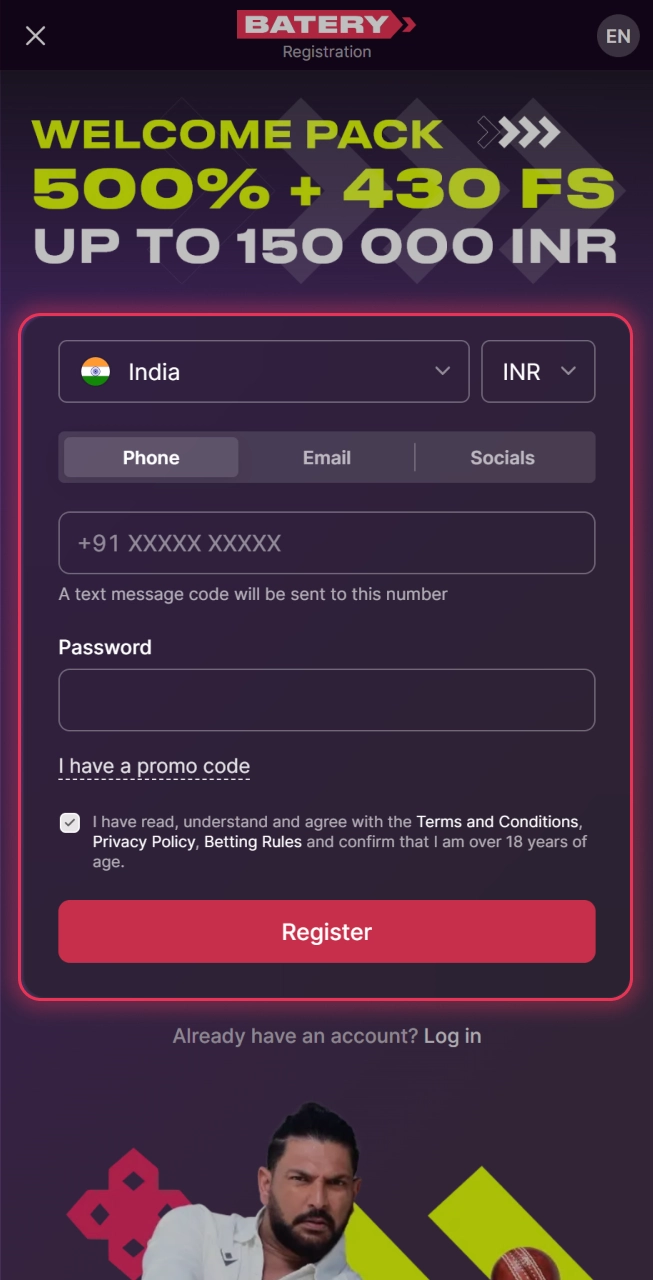
Once installed, open the app and log in or create a new account.
Deposit and Play
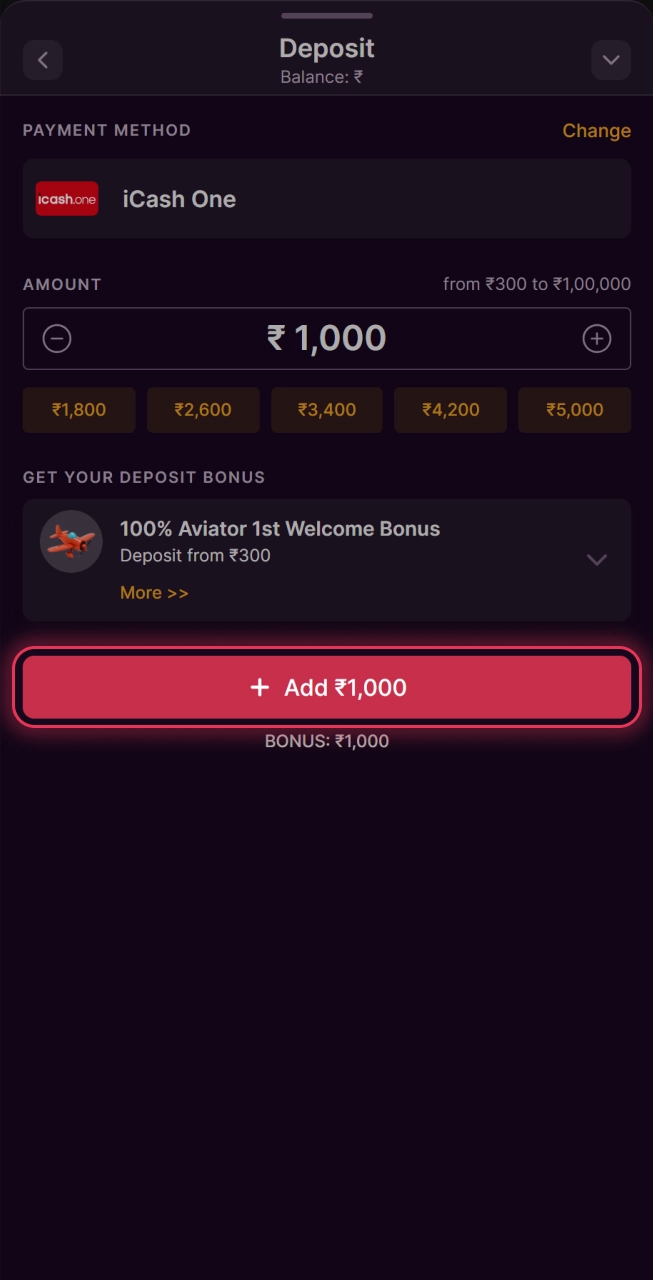
Make a deposit and start betting.
How to Download Batery App for iOS (PWA)
Although there is no native app for iOS, iPhone and iPad users can install the Batery PWA, which works exactly like a real app. Follow steps below to get the PWA:
Open Website
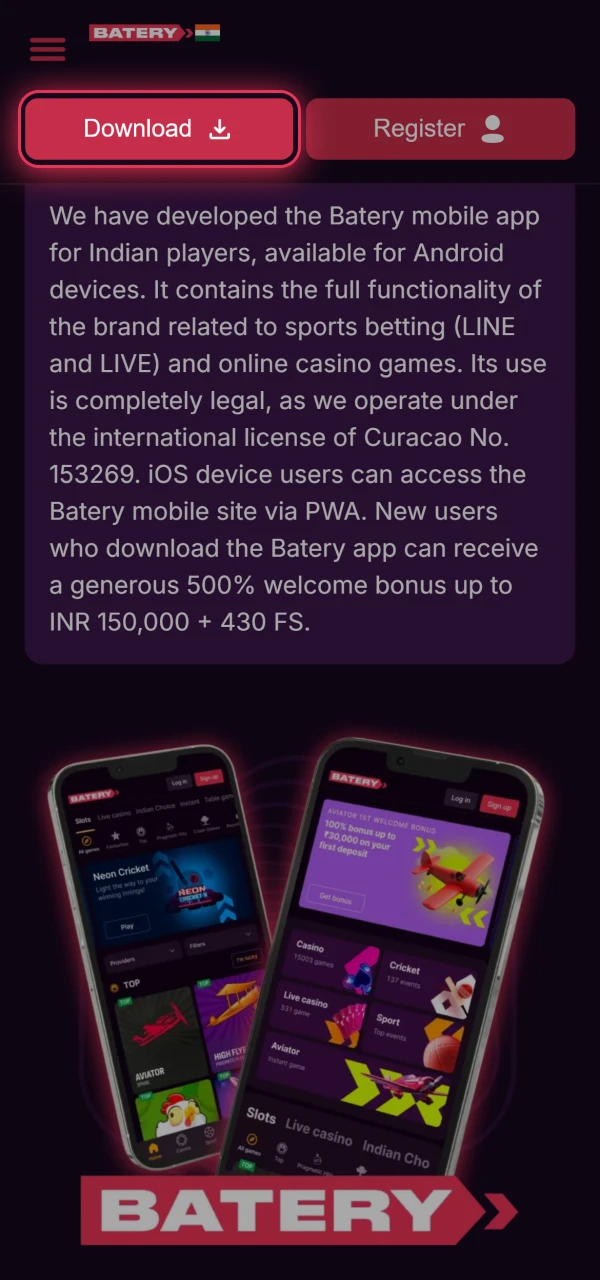
Launch Safari on your iPhone or iPad and visit the official Baterybet website.
Log In or Sign Up
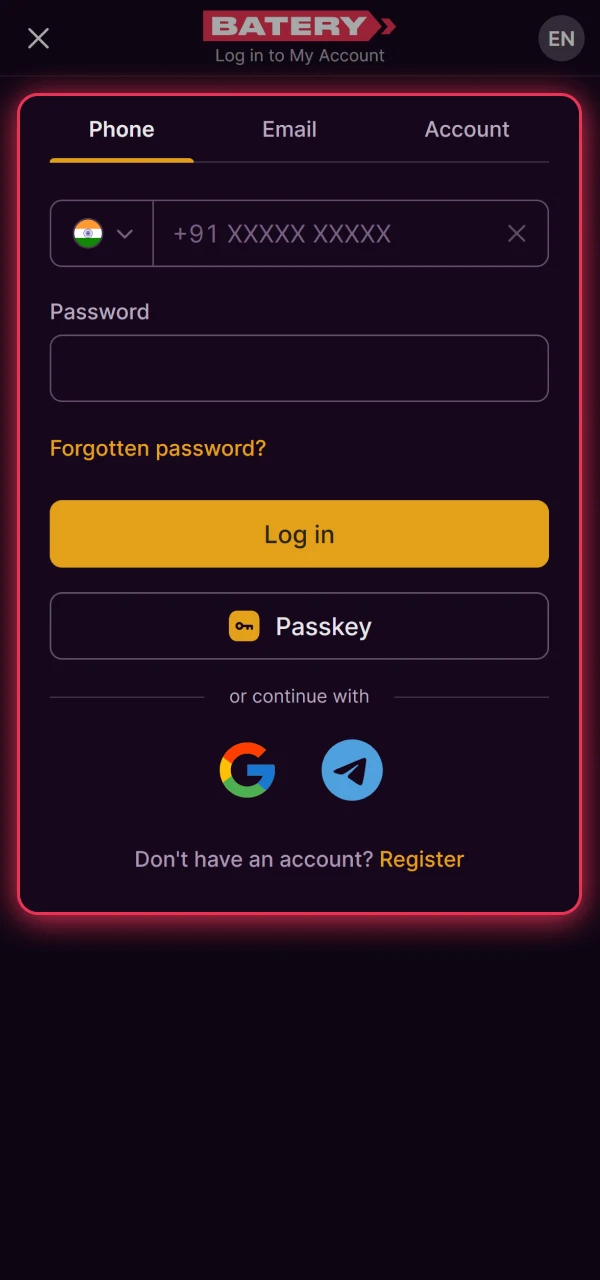
Authorize your account or create a new one if needed.
Add to Home Screen
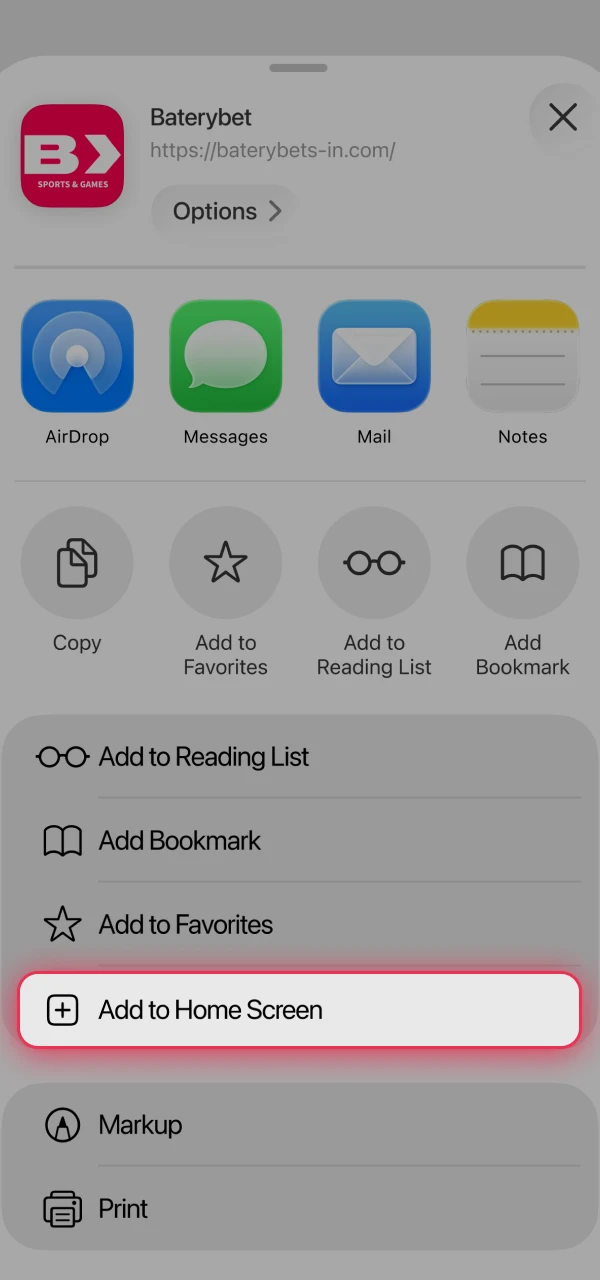
Tap the Share icon at the bottom and select Add to Home Screen.
Launch the App
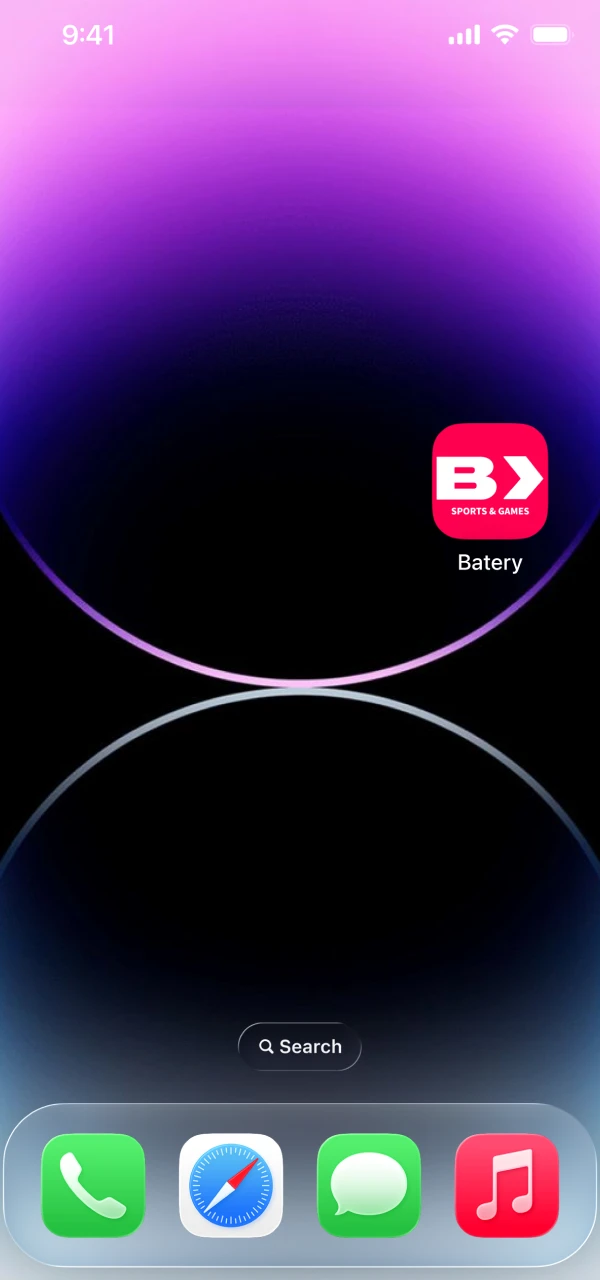
An icon will appear on your home screen. Tap it anytime for instant access to the platform.
Updated: